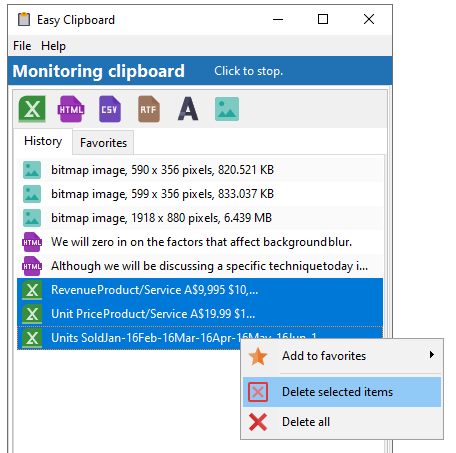
To delete items from the History or Favorites listing, select the items and press the DELETE button. You can also select the items, then right-click on the mouse to display the context menu, and click on the Delete selected items item.
Deleting items |
Top Previous Next |
|
To delete items from the History or Favorites listing, select the items and press the DELETE button. You can also select the items, then right-click on the mouse to display the context menu, and click on the Delete selected items item.
|