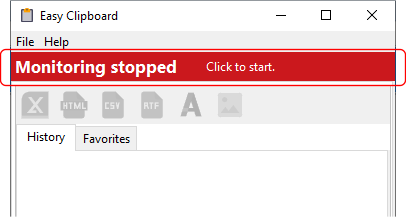
When you first open Easy Clipboard, the main screen is displayed.
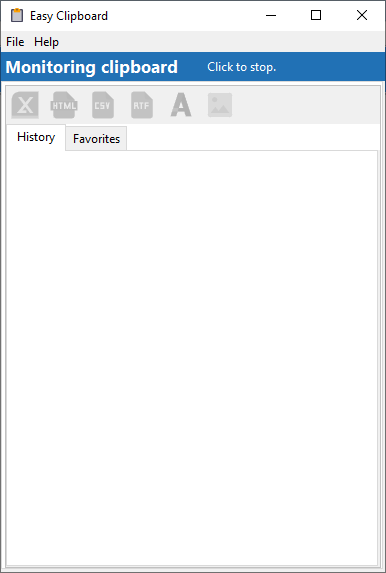
Easy Clipboard is now monitoring your clipboard, as indicated in the top panel.
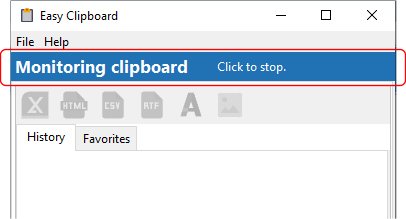
To stop monitoring the clipboard, click on the Click to stop. button. The text will change to indicate that Easy Clipboard is no longer monitoring the clipboard. Click on the same button to start monitoring the clipboard again.