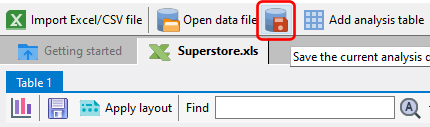
Once you have imported data from an Excel spreadsheet or CSV file, you can save the data into a data file. The advantage of doing so is that you can later open the data file directly, without having to go through the import process again, if you want to work with the same set of data.
To save the currently displayed data, click on the Save the current analysis data to a data file button.
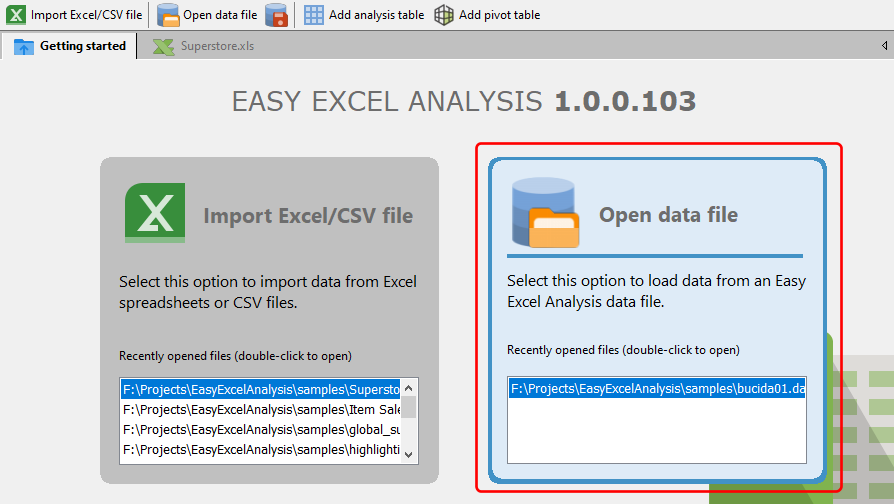
To open the data file, click on the Open data file item on the Getting started page.
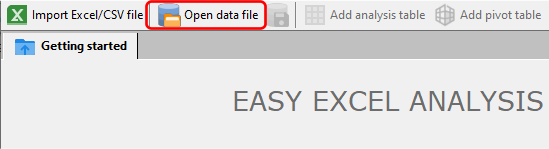
or click on the Open data file button on the toolbar.
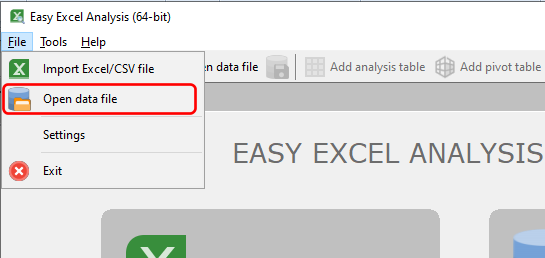
You can also select the Open data file item from the main menu to open a data file.