On the Details page of the tools panel, Easy Explorer displays a preview of the currently selected item.
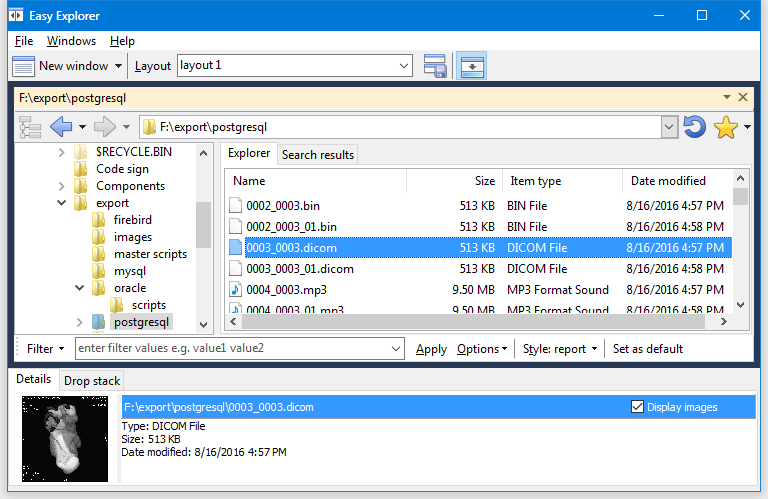
In addition to bitmaps, gif, jpeg, and png images, Easy Explorer will also display previews of the following types of images:
•DICOM (Digital Imaging and Communications in Medicine)
•WMF (Windows Metadata file)
•DIB (device-independent) bitmap)
•TGA (Truevision Targa Graphic)
•PSD (Photoshop image) *partial support
•PCX (ZSOFT Paintbrush
•DCX (Graphics Multipage PCX bitmap)
•ICO (icon)
To display the tools panel:
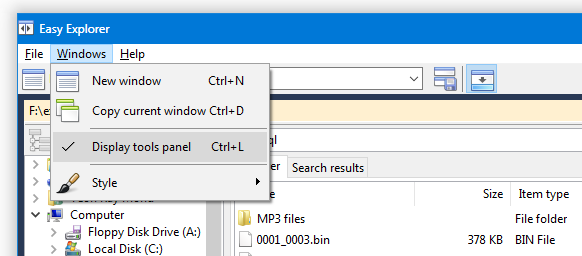
•select the Displays tools panel item from the Windows main menu.
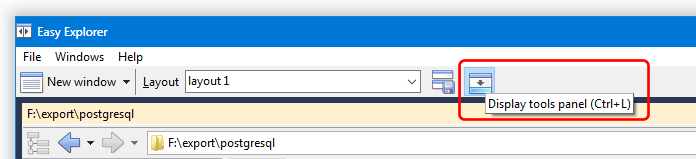
•click on the Display tools panel button on the main menu.
•press CONTROL-L