You need to copy a range of cells from different worksheets or different areas from the same worksheet, and you want to merge all the cells.
Instead of repeatedly copying and pasting the cells, simply copy the cells you want while Easy Clipboard is active. Once you have finished copying the cells, select the items in Easy Clipboard and merge the contents to the clipboard or to an Excel workbook.
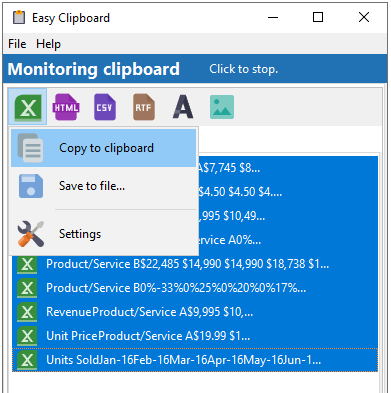
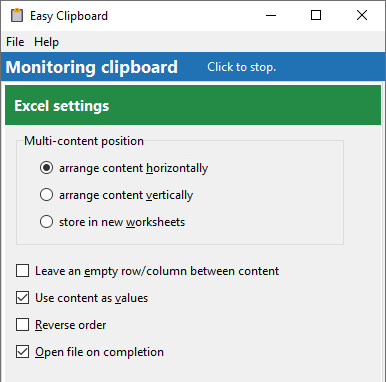
If you require more control over how the cells are processed, click on the Settings item and customize how the cells should be processed.