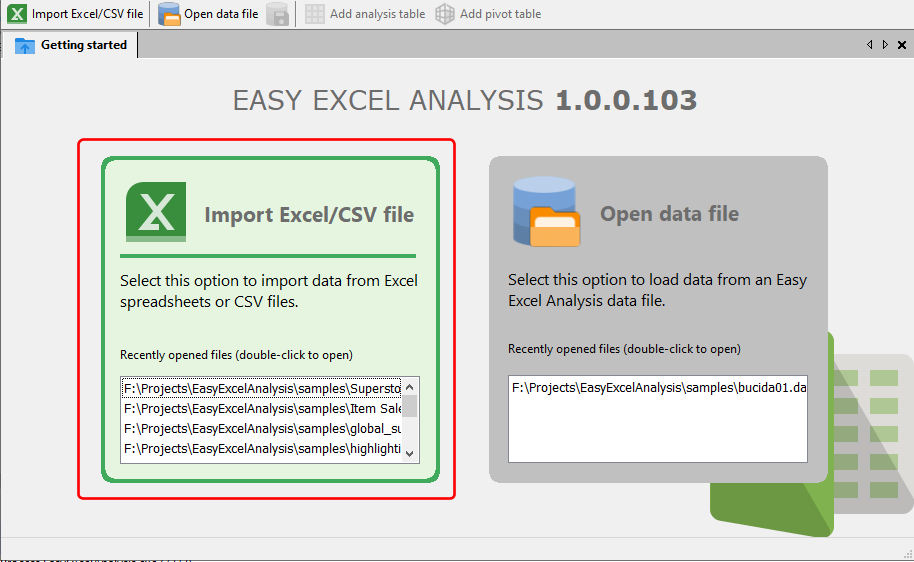
Easy Excel Analysis can import data from Excel worksheets and comma-separated values files. To import a file, click on the Import Excel/CSV file item:
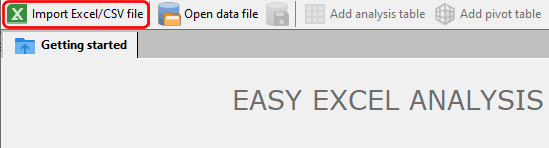
or click on the Import Excel/CSV file button on the toolbar.
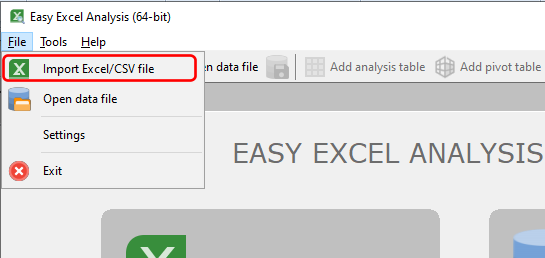
You can also select the Import Excel/CSV file item from the main menu to start the import process.
Once you have select the Excel or CSV file, Easy Excel Analysis will open the import wizard:
•importing an Excel spreadsheet