In this screen, you can create additional columns from the date and time columns in your worksheet. This is useful when you want to analyse your data using specific elements from your data and time values.
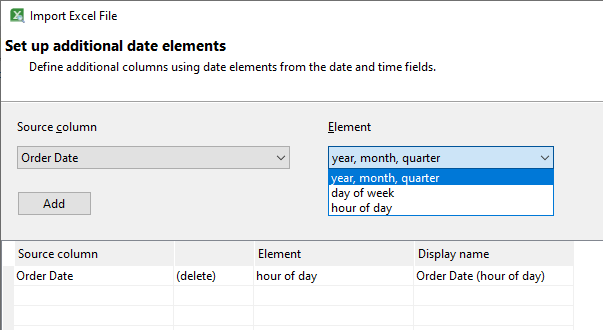
All the date and time columns you will be using from your worksheet will be displayed in the Source column list. Select one of the options from the Element list, and click on the Add button.
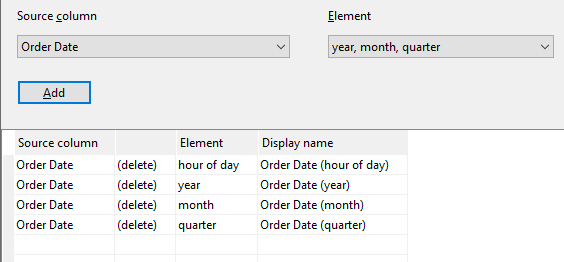
To delete any of the new columns, click on the (delete) item in the row.